
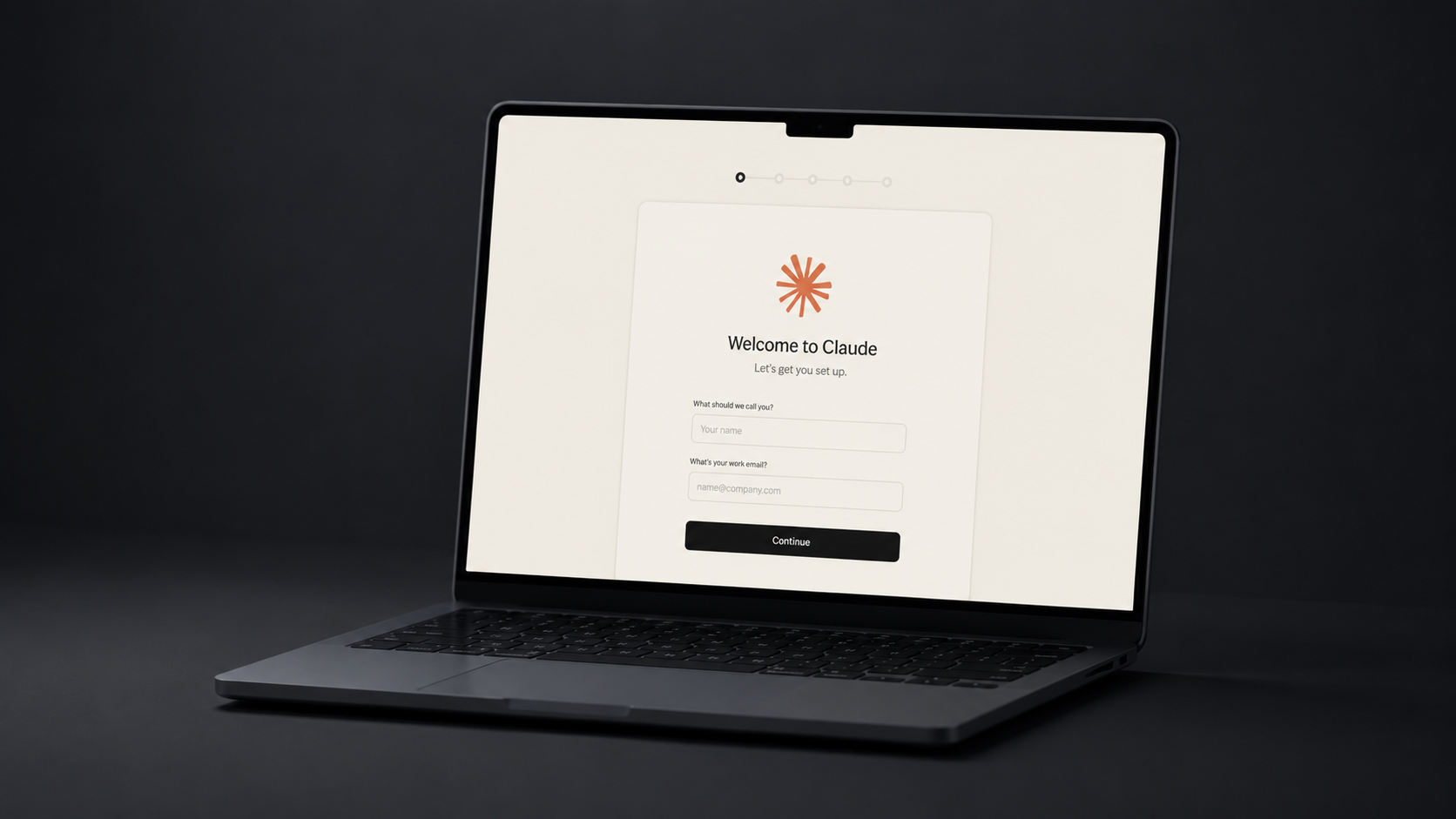
Most SA businesses that try Claude start the same way: they open a chat window, type a question, get a decent answer, and then wonder why it does not seem to save as much time as they expected.
How to set up Claude for business is a different question from how to use Claude in a conversation. A conversation is a one-off exchange. A business setup is a repeatable system: the right Project structure, the right context loaded, the right prompt frameworks, and the right review process for your team to follow. Without the setup, Claude is useful sometimes. With the setup, it becomes a consistent part of how your business operates.
This article covers the exact process we use when setting up Claude for SA business clients from scratch. If you are new to Claude, start with Claude AI South Africa: The Practical Business Guide first.
Why Most Businesses Get The Claude Setup Wrong
The most common mistake when setting up Claude for business is skipping the context layer.
Without context, Claude produces generic output. Generic output requires heavy editing. Heavy editing defeats the time-saving purpose of using Claude in the first place. The team gets frustrated, the usage drops off, and Claude ends up as a tool people occasionally use for simple tasks.
The fix is not a better prompt. The fix is a Project: a persistent workspace where Claude already knows who you are, how you write, what you do, and what the rules are. Once that context is loaded, the output quality changes immediately.
Step 1: Identify The Three Workflows That Will Save The Most Time
Before opening Claude, identify the specific business tasks that are eating time.
Good candidates for Claude automation are tasks that:
- Happen at least weekly
- Follow a similar structure each time
- Require writing or analysis, not physical action
- Currently take 30 minutes or more
Common SA business examples: writing client proposals, producing monthly report narratives, drafting follow-up emails, repurposing blog content for social media, writing job descriptions, producing meeting summaries.
Pick three to start. Not twenty. Three. Build one workflow properly before adding more.
Step 2: Set Up A Claude Project For Your Business
How to set up Claude for business correctly starts with creating a Project. A Project is a persistent workspace inside Claude that retains context across every conversation. You do not need to re-explain who you are or what the rules are each time. For a full overview of how Projects work, see Anthropic’s guide to Claude Projects.
To create a Project:
- Open Claude at claude.ai and log into your account (Pro or Team plan required for Projects)
- Select “Projects” from the left navigation and click “New Project”
- Name the Project clearly: your business name or the specific workflow (e.g. “Proposal Writing” or “Monthly Client Reports”)
- Open the Project instructions and add your business context
The Project instructions are where the setup happens. This is the document Claude reads at the start of every session in this Project.
Step 3: Write Your Project Instructions
Your Project instructions should include four things:
Who you are. Your business name, what you do, who your clients are, and what market you serve. One short paragraph. Be specific: “a digital marketing agency in Johannesburg serving SA SMEs in the professional services sector” is more useful than “a marketing agency.”
Your brand voice. Describe your writing style with examples. Formal or conversational? Direct or exploratory? What words do you avoid? Include two or three sentences from an approved piece of your own writing as a reference.
The rules. What Claude must always do (cite sources, use active voice, keep headings in title case) and what Claude must never do (use corporate jargon, make unsubstantiated claims, use specific banned phrases from your style guide).
The output format. For each workflow, describe what the output should look like. If you want a proposal section to follow a specific structure (Situation, Diagnosis, Recommendation), say so here. If you want blog posts to follow H2, H3 structure with a CTA in the final third, write that out.
Write the instructions in plain English. Claude reads instructions precisely. Vague instructions produce inconsistent output.
Step 4: Upload Your Context Documents
After the instructions, upload the documents that give Claude deeper context:
- Your brand voice guide or style document
- Two or three examples of your best existing work (proposals, articles, reports, or whatever the workflow produces)
- Any reference documents Claude needs to know: your service list, your pricing framework, your team structure
These documents give Claude the examples it needs to match your standard rather than produce generic output. The examples are the most important upload. Claude learns your voice from seeing it, not just from being told what it sounds like.
Step 5: Build The Brief Template
A brief template is what your team fills in each time they use the workflow. It standardises the input so the output is consistent.
For a blog article workflow, a brief template might include:
- Topic
- Primary keyword
- Target audience pain point
- Key points to cover (three to five bullets)
- Internal links to include
- Tone notes for this specific piece
- Word count target
For a proposal workflow:
- Client name and industry
- Their current situation (three bullets)
- Their stated pain points (from the discovery call)
- What they have tried before
- The outcome they want
- Budget range if disclosed
The brief template removes the blank-page problem. Your team fills in the brief, pastes it into Claude, and gets a structured first draft that matches your standard.
Step 6: Run Three Test Cycles Before Going Live
Test each workflow three times with real examples before using it for actual client work.
After each test, note where the output falls short: wrong tone, missing structure, factual gaps, formatting issues. Adjust the Project instructions or the brief template accordingly. After three cycles, the output should be consistently usable: not perfect, but reliably strong enough to edit rather than rewrite.
Step 7: Document The Process And Hand It To Your Team
The final step in how to set up Claude for business correctly is documentation. Write a one-page process document per workflow that covers:
- Which Project to open
- What the brief template looks like
- What the review step involves (what to check, what to change)
- Who signs off before the output goes to a client
Without this documentation, Claude setup is dependent on the person who built it. When they are on leave or leave the business, the setup disappears with them.
Frequently Asked Questions
How much does Claude cost for a South African business?
Claude Pro costs approximately USD $20 per month (around R370 at current exchange rates), which includes access to Projects and higher usage limits. A Team plan is available for multiple users. Most SA businesses start with Claude Pro for one or two users and scale from there once the workflows are established.
How long does it take to set up Claude for business properly?
A full setup, including Project configuration, context documents, brief templates, and three test cycles, takes approximately half a day for a small team. The time investment is front-loaded. After the initial setup, using each workflow takes minutes rather than the hours the task previously required.
What is the difference between a Claude Project and a regular Claude conversation?
A regular Claude conversation starts fresh each time with no memory of previous sessions. A Claude Project retains your business context, instructions, and uploaded documents across every conversation in that Project. This is what makes Claude useful for repeatable business workflows rather than just one-off tasks.
The Setup Takes Time Once. It Saves Time Every Week After That
How to set up Claude for business properly is a half-day investment for a small team. A Project with instructions, a set of context documents, two brief templates, and a test cycle. After that, the time savings begin compounding.
If you want help with the setup, identifying the right workflows, building the Project instructions, or training your team on the review process, book a free audit. We will assess where Claude can save the most time for your specific business and give you a setup plan to match.
“We genuinely run as one system at Think Co. Claude and our own internal tools handle everything from catching emails and WhatsApp messages to routing work through the right agents, all the way through to the client work itself.”
Last Updated: June 2026