
If you’re running a South African business and tracking clients in a spreadsheet, your email inbox, or your own memory, you’re not alone. Most SA SMEs have made it further than they expected without a formal system. But at some point, usually when a deal falls through because a follow-up got missed, or a client slips through the cracks during a busy period, the question becomes urgent.
CRM setup in South Africa is one of the most misunderstood investments SA SMEs make. The word gets used as if a CRM is a product you buy and switch on. It isn’t. A CRM is a system: the right platform, combined with the right process design, and the right team habits. Get any one of those three wrong and the system fails quietly while the spreadsheet creeps back.
This guide covers what you need to know before making a decision: what a CRM actually does, which platforms work for SA businesses, what setup actually involves, and how to know when you’re ready.
What A CRM Is, And What It Is Not
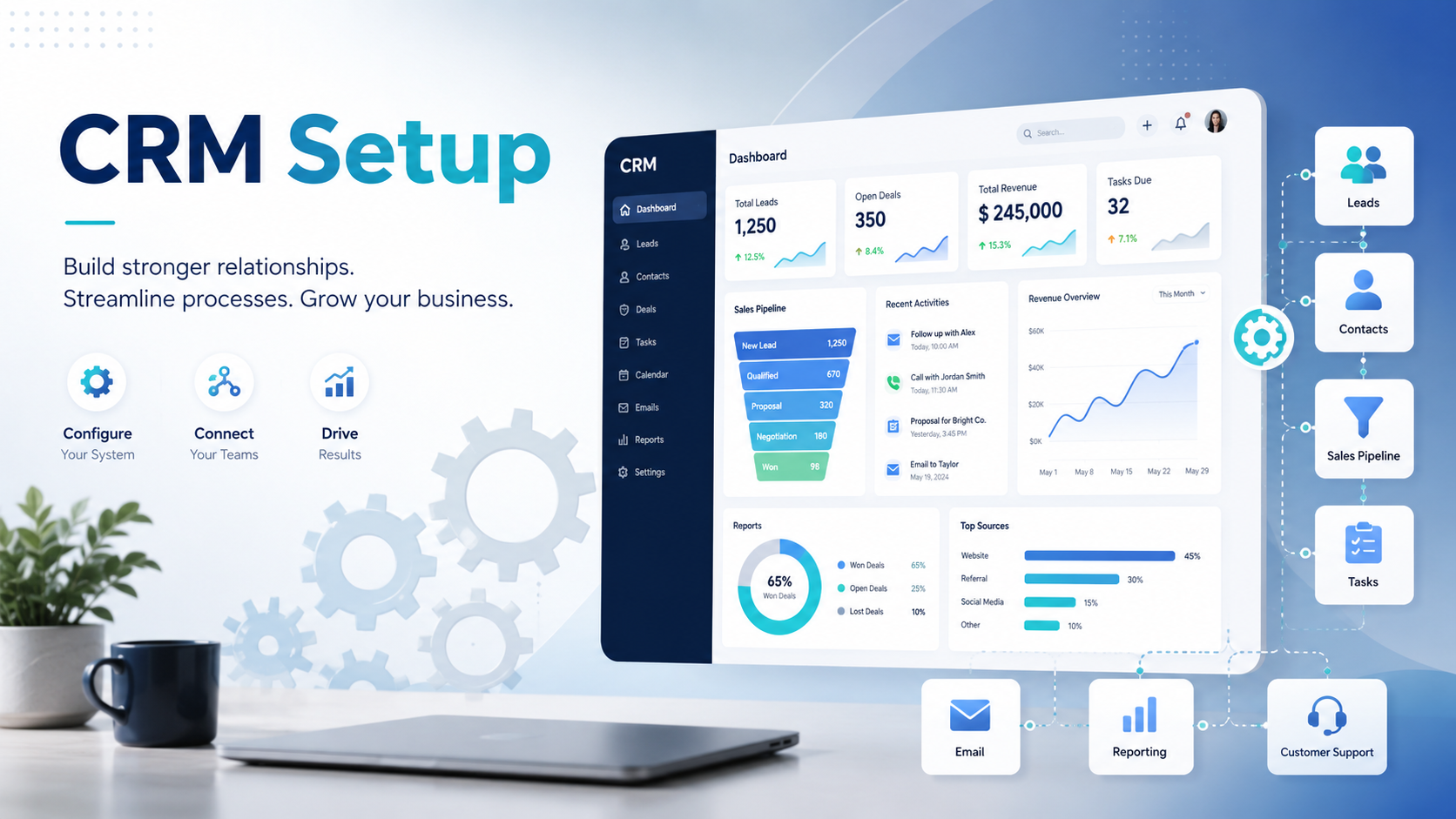
CRM stands for Customer Relationship Management. In practice, it’s a system that records every interaction with every prospect and client: calls logged, emails sent, proposals tracked, follow-ups scheduled, deals won and lost.
What it isn’t: a magic sales tool that closes deals on its own, a replacement for an actual sales process, or software that works without configuration.
The most common CRM failure in SA businesses isn’t choosing the wrong platform. It’s treating the platform as the solution. The platform is infrastructure. The solution is how you use it.
A CRM set up correctly does four things your current system probably can’t:
- Tracks every prospect so nothing falls through the cracks, even when a team member is sick, on leave, or has left the business
- Gives you a live view of every active deal and where it stands in your pipeline at any moment
- Automates the follow-ups that currently depend on someone remembering to send them
- Tells you which lead sources produce the best clients and where deals are most likely to leak
This is what CRM setup in South Africa is actually for.
Why SA SMEs Specifically Need A CRM
Three things make the CRM argument stronger for South African businesses than most people realise.
WhatsApp Is Your Primary Lead Channel, And It Has No Memory
Most SA SMEs receive a significant share of their leads via WhatsApp. A prospect messages, you reply, a conversation starts. Then three more prospects message the same day. A week later you can’t remember which one said they’d follow up on Monday.
A CRM with WhatsApp integration solves this. Every WhatsApp conversation gets logged against the correct contact record, follow-up tasks are created automatically, and no lead disappears into a mobile thread. For most SA businesses, CRM and WhatsApp integration is the single most practical reason to set up a CRM in the first place.
The Trust Deficit Means Consistent Follow-Up Converts
SA prospects take longer to buy than many other markets. A professional services deal in South Africa typically involves multiple touchpoints over weeks or months. Without a system tracking where each prospect is in that journey, you will lose deals to competitors who follow up more consistently, not necessarily to competitors with a better offering.
POPIA Means Your Data Handling Has To Be Deliberate
Under the Protection of Personal Information Act, you need to know what personal data you hold, where it lives, who can access it, and what consent you have to hold it. A spreadsheet of leads with no audit trail is not a defensible data management approach. A properly configured CRM is.
The Cost Of Not Having A CRM
The cost of a missing CRM is mostly invisible. It shows up as deals that went cold, follow-ups that never happened, and referrals that were never asked for. Most SA SMEs underestimate this because none of it appears on a single line in the P&L.
The real cost of not having a CRM in SA works through the numbers in detail. The short version: if your business is losing even one mid-value deal per month to poor follow-up, the annual cost of that gap almost certainly exceeds the annual cost of a CRM and the time to configure it properly.
Which CRM Platforms Work For SA Businesses
There is no universally correct CRM. The right choice depends on your team size, budget, technical comfort, and which capabilities matter most to your specific workflow.
The three platforms most commonly deployed for SA SMEs are HubSpot, Zoho CRM, and Pipedrive. A full side-by-side breakdown is covered in HubSpot vs Zoho vs Pipedrive: Which CRM for SA SMEs?. Here’s the quick version.
HubSpot is the most feature-complete option and the best choice if you want CRM and marketing automation in one system. The free tier is genuinely usable for small teams. Paid tiers (approximately R1,800 to R4,500 per month for Starter or Professional at current exchange rates) add automation, email sequences, and detailed pipeline reporting. Can become overhead if you only need basic deal tracking.
Zoho CRM offers lower per-user pricing (approximately R700 to R1,200 per user per month) with strong WhatsApp integration built in. Particularly well-suited to businesses already using other Zoho products for finance, support, or email marketing. Requires more configuration than HubSpot or Pipedrive but offers more flexibility for custom workflows.
Pipedrive is the most sales-focused of the three, with the clearest pipeline interface. Pricing is the lowest of the group (approximately R500 to R800 per user per month). Best for businesses where the CRM is primarily a deal-tracking and follow-up tool. Limited on native marketing automation compared to HubSpot.
What CRM Setup Actually Involves
This is the part that surprises most SA businesses. The software purchase is 10% of the work. The rest is process design and configuration.
Pipeline Design
Before configuring anything, you need to define your sales stages. What is the journey from first contact to signed client? How many stages does it have? What action moves a deal from one stage to the next? Most SA businesses have never mapped this explicitly. The CRM setup process forces you to do it.
Contact And Deal Structure
What information do you capture per contact? Per company? Per deal? Decide this upfront. Adding 50 custom fields later, when data is already inconsistent, is expensive to fix.
Lead Source Tracking
Where do your leads come from: website form, WhatsApp, referral, cold outreach, social? A CRM that can’t distinguish between these can’t tell you which channels are worth investing in.
Automation
Which follow-ups should happen automatically, and at what point? A deal that reaches “proposal sent” should trigger a follow-up reminder at 48 hours. A lead that goes quiet for 30 days should trigger a re-engagement task. These automations need to be built and tested before they’re reliable.
Integration With Existing Tools
Your website contact forms need to feed directly into your CRM. Your email client should log sent emails against the correct contact record. If WhatsApp is a primary lead channel, that integration needs to be configured. Connecting your website forms to your CRM is where most businesses start with technical integration.
Team Training
A CRM is only as good as the data going into it. If your team logs calls inconsistently, skips updating deal stages, or manages their pipeline from their inbox, the CRM fails. Training is not optional. It’s a setup dependency.
POPIA Compliance And Your CRM
Under POPIA, any system storing personal information about South Africans must be configured with proper data governance. A CRM storing contact details, communication history, and deal information is exactly the kind of system POPIA applies to.
Key compliance requirements for a business CRM:
- Consent records: You need to demonstrate that you had consent to contact each person in your CRM. If you’re importing a legacy spreadsheet of leads, you need to know which of those leads explicitly opted in.
- Retention limits: POPIA requires you to delete personal data when it’s no longer needed. A CRM with no data cleanup process accumulates contact records indefinitely.
- Access controls: Not every team member needs access to every contact record. Configure role-based access from the start: sales sees the active pipeline, management sees reporting, accounts sees invoiced clients.
- Opt-out handling: If a contact asks to be removed from your list, that request needs to be honoured and recorded. A CRM makes this auditable. A spreadsheet does not.
- Cross-border data transfers: Most cloud CRM platforms store data on international servers. Your privacy policy should disclose this and your data processing agreement with the platform should address POPIA’s cross-border transfer requirements.
This isn’t a reason to avoid setting up a CRM. It’s a reason to set it up correctly from the start.
When A Spreadsheet Is Still Fine
Not every SA business needs a CRM right now. A spreadsheet is defensible if:
- You have fewer than 20 active prospects and clients at any point in time
- Your sales cycle is short and simple, under two weeks from first contact to decision
- One person manages all client relationships
- You have only one or two lead sources
If all four of those are true, a CRM will cost you more in setup time than it saves in the short term. The signals that indicate you’re ready for the switch are covered in When To Upgrade From A Spreadsheet To A CRM.
The Correct Sequence For CRM Setup
The most common mistake SA businesses make with CRM setup: buying the platform first and figuring out the process later.
Do it in this order instead:
- Map your sales process on paper first. Stages, handoffs, decisions, follow-up rules. Do this before you open the CRM platform.
- Choose the platform that fits that process. Not the one with the most features. The one that handles your specific workflow cleanly.
- Build the minimum viable setup. The stages, the core contact fields, and one or two automations you actually need. Resist the urge to configure everything.
- Run it for 90 days and measure. Is data going in consistently? Are automations firing correctly? Are deals moving?
- Add depth gradually. Only after the basics are working reliably should you add integrations, additional automation, or reporting dashboards.
Most businesses that fail at CRM setup skip step one. They buy the software, get overwhelmed by configuration options, and end up with a partially set-up system nobody trusts and everyone ignores.
Measuring Whether Your CRM Is Actually Working
After 90 days, four numbers tell you whether the CRM is functioning or failing:
- Data entry rate: What percentage of prospect interactions are being logged? If your CRM has 50 deals but your team had 200 conversations, data entry habits haven’t changed enough.
- Pipeline velocity: How long does a deal take to move from first contact to decision? If this hasn’t changed after CRM setup, the automation and follow-up structure isn’t working.
- Lead source breakdown: Can you clearly see which channels produced which clients? If this report is blank or inaccurate, lead source tracking wasn’t configured correctly.
- Automation compliance: Are the automated follow-ups actually firing at the right times? Check the automation logs monthly during the first 90 days.
A CRM that’s working shows up in these numbers before it shows up in revenue. Revenue is a lagging indicator. Pipeline health is the leading one.
CRM As Part Of A Connected Marketing System
A CRM doesn’t exist in isolation. In a properly connected marketing system, the CRM is the engine of the Conversion stage: the point where warm prospects become active conversations and active conversations become clients.
Your Awareness stage (website, SEO, paid ads, social) feeds qualified traffic. Your lead capture mechanism converts that traffic into contacts. Your CRM takes those contacts and manages the journey to a decision.
When the CRM is disconnected from the Awareness stage, you lose visibility over which leads came from which channel. When it’s disconnected from your email and automation tools, follow-up happens manually or not at all. The value of a CRM compounds significantly when it’s part of a connected system, not a standalone database.
For a full picture of how the four stages connect, read The Connected Funnel: Why Businesses Need One System, Not Four Agencies.
Getting Help Vs Doing It Yourself
For a small team with a simple sales process, the basics are self-service. HubSpot’s free tier with a clearly defined pipeline can be set up in a day if you’ve done the process mapping work first.
Where external help pays for itself:
- You need WhatsApp integrated into the CRM workflow
- You have an existing contact database that needs cleaning and importing without data loss
- You want automation connecting your website, CRM, and email in a single workflow
- You’ve tried to set up a CRM before and the team reverted to the spreadsheet within three months
If the CRM is going to be the infrastructure that turns warm leads into clients, not just a contacts list, getting the configuration right the first time is worth more than the time saved by going it alone.
Frequently Asked Questions
What is the best CRM for South African SMEs?
There is no single best CRM for all SA businesses. HubSpot is the best fit if you want CRM and marketing automation in one system. Zoho CRM is the best fit if you need strong WhatsApp integration at mid-market pricing or if you are already using other Zoho products. Pipedrive is the best fit if deal tracking and follow-up management are the primary needs and you want the simplest interface. The right choice depends on your workflow, not on rankings.
How much does CRM setup cost in South Africa?
Platform subscription costs range from R0 (HubSpot free tier) to R2,500 per month or more for a small team, depending on the platform and tier. Implementation costs depend on complexity: a simple setup with basic stages and one automation is a self-service project for most SA businesses. A full setup including WhatsApp integration, legacy data import, and automation workflows typically takes 10 to 20 hours of configuration time, either internally or with external support.
How long does CRM setup take for a South African SME?
A minimum viable setup, pipeline stages, core contact fields, and one automated follow-up, can be completed in a day if you have done the process mapping first. A full setup including integrations, team training, and data migration takes two to four weeks for a small SA team. The process mapping step, which most businesses skip, typically takes half a day and is the most valuable part of the project.
If you’d like a clear picture of what your business needs before committing to a platform, book a free audit. We’ll look at your current sales process, lead volume, and existing tools, and give you a platform recommendation and a setup scope.
Last Updated: May 2026